
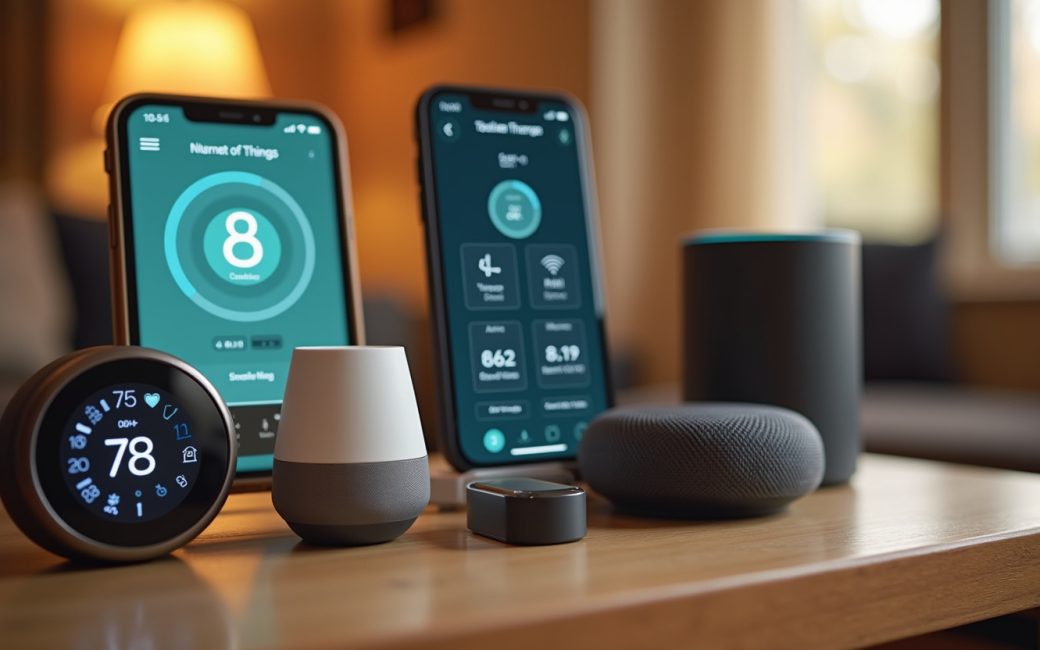
A physical object is fitted with a sensor and a small embedded processor
An object becomes an IoT device the moment a sensor is attached to it and a small processor is added to read that sensor and format its output. The sensor is the part that does the actual translation — turning temperature, motion, moisture, light or vibration into a number the processor can handle, and it is the one component every major explainer of the field treats as non-negotiable, from the Wyoming Office of Emerging Technologies' overview of IoT devices to IBM's definition of the category.
Sensing and computing alone don't make the object part of the Internet of Things, though. It needs network connectivity — Wi-Fi, a cellular modem, Bluetooth paired to a phone, or a low-power radio talking to a gateway — to carry those readings off the device and onto an IoT platform, the cloud or on-premises software that collects, stores and analyses them, as IBM describes. Once the readings land somewhere a person or another system can see them, the platform is doing remote monitoring: watching a condition — a freezer temperature, a heart rate, a door position — from a distance instead of standing next to it.
The loop closes when something is done with that information. A user, a rule engine or another automated system sends a command back down the same connection to an actuator: a motor, a relay, a valve, a solenoid — anything that changes the physical world in response to data. A thermostat that reads temperature but can also switch a heating relay is acting on its own sensor data; a sensor that only reports and never acts is still an IoT device, just a one-directional one.
That gives a concrete test for anything a reader is unsure about:
- Does it have a sensor or an equivalent way of capturing a physical condition?
- Does it have onboard processing that packages that reading?
- Does it connect to a network on its own, not just when a person plugs in a cable to move a file?
- Does the data go somewhere — a platform, an app, a log — where it can be seen or acted on remotely?
A Wi-Fi laptop fails this test in spirit even though it passes it in mechanics: it senses nothing about the physical world by default, and its network connection exists to serve a person directly in front of it, not to report a condition. A smart bulb with a scheduling app and remote on/off control passes cleanly. A phone sits in between — it has sensors (accelerometer, GPS, microphone) and constant connectivity, but it is a general-purpose computer a person operates directly, not a purpose-built sensing endpoint, which is why most treatments of the category use it as an access point to IoT devices rather than list it as one, per the plain-language framing in Coursera's overview of the term.
An IoT device joins the home Wi-Fi with default credentials or outdated firmware
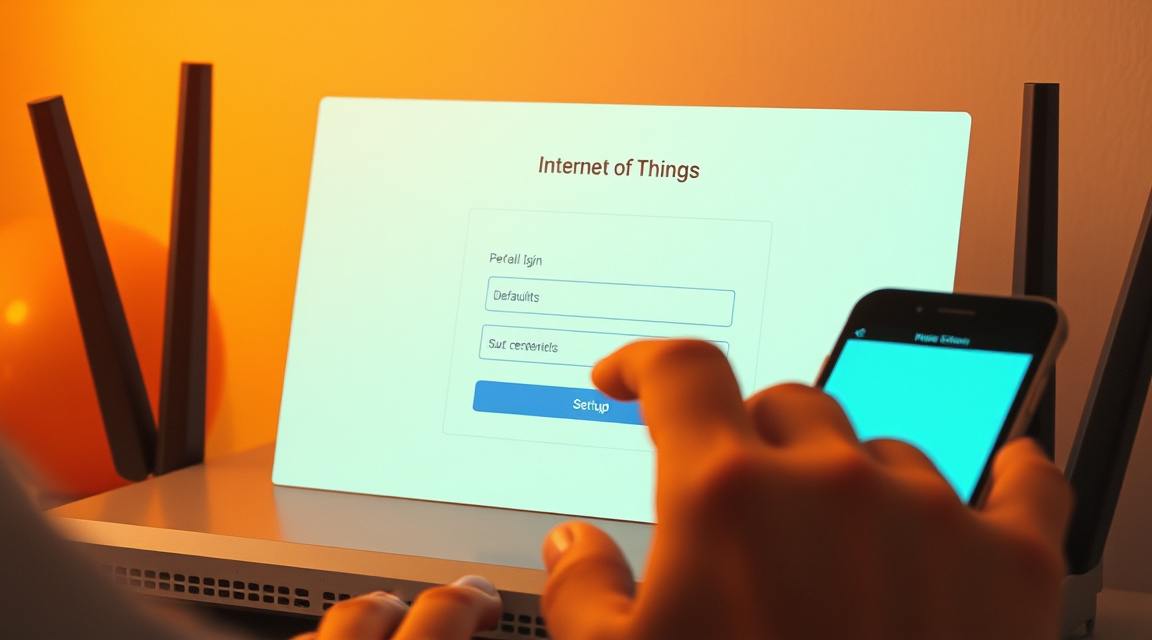
An IoT device on a home network usually gets there the same way every other device does — it connects using a factory-set username and password, or firmware that was current at the time of manufacture and has not been touched since. Both are conveniences that quietly become the entry point an intruder uses, because the device sits on the network continuously and rarely gets the attention a laptop or phone does.
Left unmanaged, that same device becomes an exposed node: still connected, still trusted by the router, but running software nobody has checked in months. This is the mechanism behind large botnet incidents built from IoT devices, and it is why security guidance on the topic leads with credentials and patching rather than with malware detection, as the Wyoming ETS overview of IoT devices lays out.
The first sign is usually cosmetic before it's technical: an unfamiliar client name shows up in the router's connected-devices list, or a known device starts sending far more traffic than its function would explain. Finding and fixing it follows a short sequence:
- Open the router's admin page (usually reachable at a local address printed on the router itself) and look at the list of connected clients.
- Match each unfamiliar entry's MAC address or vendor prefix against the device's label or manual to identify what it actually is.
- Log into that device directly and change any default username or password to one unique to it.
- Check for a firmware or software update and apply it, then enable automatic updates if the device offers them.
- Move the device off the main network and onto a guest or dedicated IoT VLAN, so a compromise on that device can't reach computers or file shares on the primary network.
None of this requires special tools — a router's built-in client list and a device's own settings page are enough to do all five steps. The point is that "IoT device on my Wi-Fi" is not a threat by itself; it becomes one only when the credentials and firmware behind it are left at factory defaults.
Sensors report equipment condition, vehicle telemetry or building energy use
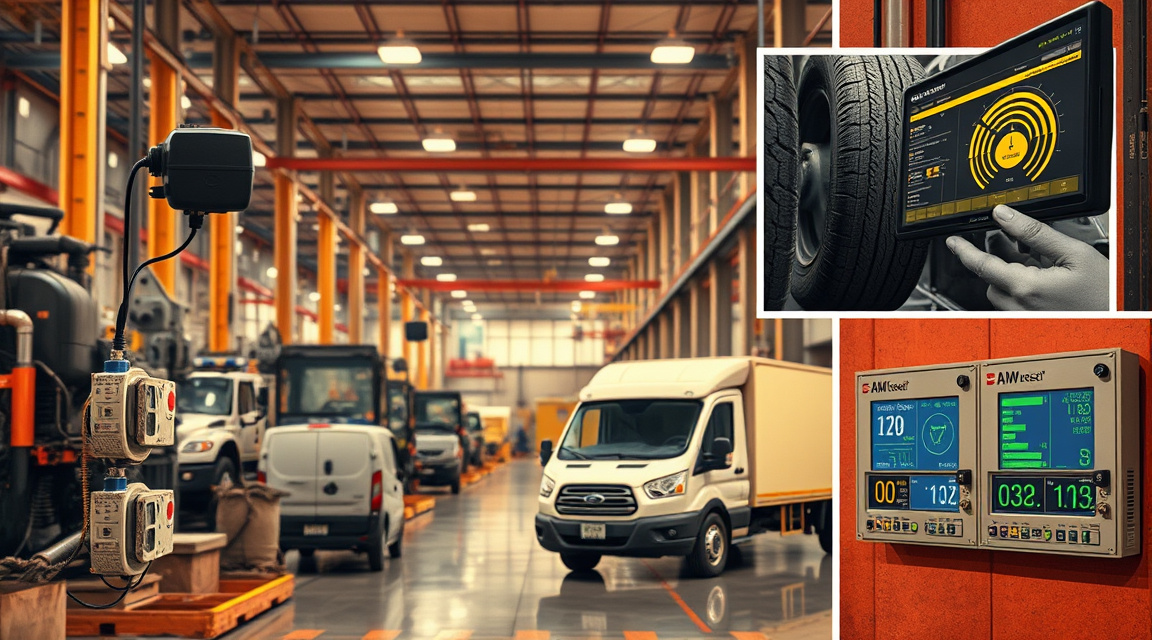
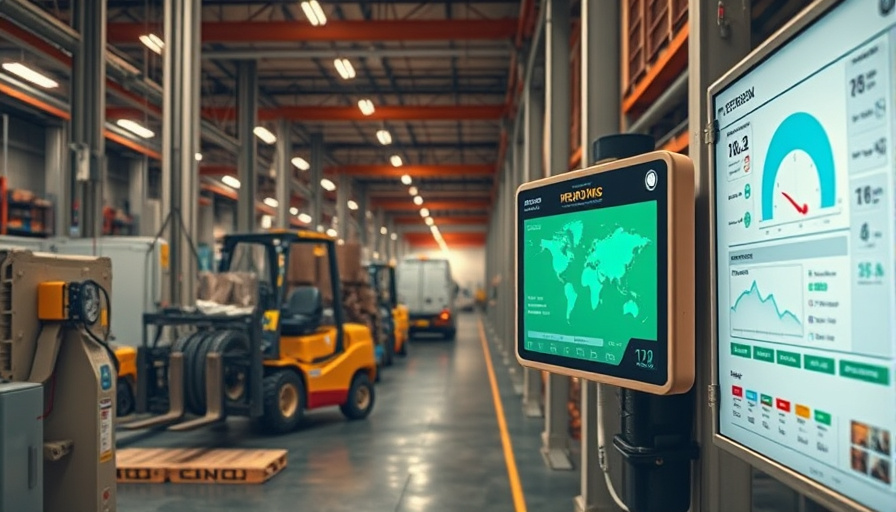
Outside the home, sensors placed on machinery, vehicles or building systems report a condition continuously rather than at scheduled inspection intervals. A vibration sensor on a motor, a tire-pressure sensor on a fleet vehicle, or a power meter on a building circuit all do the same basic job described above — sense, process, transmit — but the readings accumulate on an industrial or commercial IoT platform rather than a consumer app.
Once aggregated, the readings show patterns a single inspection would miss: a bearing's vibration signature drifting upward over weeks, a delivery vehicle idling more than its route should require, a building zone drawing power on a schedule that doesn't match occupancy. IBM's description of industrial IoT deployments frames this as the shift from scheduled maintenance to condition-based maintenance — acting on what the equipment is actually doing rather than a fixed calendar.
That visibility only pays off if someone changes a schedule because of it. A maintenance team pulls a motor in for service before the bearing fails rather than after; a fleet manager adjusts routes or driver behavior; a facilities manager retimes HVAC around actual occupancy instead of a fixed clock. The sensor and the platform only produce data — the operational fix is a separate, deliberate step, which is why deployments that stop at a dashboard and never change a process rarely deliver the savings they were built for.
Internet of Things (IoT)
The Internet of Things is the wider network formed once individual sensing devices are connected — not any single device, but the aggregate of billions of them exchanging data with platforms and with each other. Wikipedia's overview of the term traces it to network-connected physical objects broadly, spanning consumer gadgets, vehicles, industrial equipment and building systems, all identifiable and reachable over IP-based or purpose-built networking.
The name describes the connective layer, not a product category: a smart thermostat and a shipping-container tracker have almost nothing in common functionally, but both are IoT in the sense that both are physical objects made addressable and legible to software over a network, as Wikipedia frames it. That's also why the term resists a tidy inventory — the useful question for any specific object is not "is this IoT" as a category badge, but whether it meets the sensing-computing-connectivity-acting test above.
Actuator
An actuator is the component that converts a digital command back into a physical action — a relay clicking a heater on, a motor turning a valve, a solenoid unlocking a door. It sits at the opposite end of the pipeline from the sensor: the sensor turns the physical world into data, the actuator turns data back into the physical world.
Actuators are frequently implied rather than named. Descriptions of IoT devices talk about a thermostat that "adjusts the temperature" or a lock that "responds to a command," but the mechanism doing that adjusting is the actuator, and skipping the name leaves the impression that IoT devices only watch, never act. A device with a sensor and no actuator — a standalone leak detector, for instance — is still a complete IoT device; it just reports rather than intervenes. A device with both, like a connected sprinkler valve that reads soil moisture and opens or closes itself, is doing sensing and control in a single unit.
Network connectivity
Network connectivity is the link that carries a device's readings off itself and onto a platform, and without it a sensor and a processor are just an instrument, not an IoT device. In practice that connection takes one of a few forms, and which one a device uses shapes what it can do and where it can be placed.
| Connectivity type | Typical use | Trade-off |
|---|---|---|
| Direct Wi-Fi | Home and office devices near a router | Simple to set up, but tied to mains power and Wi-Fi range |
| Cellular module | Vehicles, remote assets, anything mobile | Works anywhere with signal, but adds a data plan and cost |
| Hub or gateway pairing (Zigbee, Bluetooth, Z-Wave) | Battery-powered sensors, lightbulbs, locks | Low power draw, but depends on the hub staying online |
Onomondo's explanation of IoT devices separates these paths clearly: some devices talk to the internet directly, others hand their data to a local hub or gateway that does the internet-facing work on their behalf. That second pattern is common precisely because a battery-powered sensor can't afford the power draw of a full Wi-Fi radio running continuously — a short-range, low-power protocol to a gateway, and a single more capable connection from the gateway outward, keeps the sensor's battery life reasonable.
Data transmission
Data transmission is what happens between a reading being taken and it landing somewhere useful — the sensor's number leaves the device, crosses whatever network link it has, and arrives at a platform's ingest point. What happens after arrival is the part most explanations of IoT devices skip.
Once data reaches a platform, it's typically stored for a defined retention period, made visible through a dashboard or app, and in commercial deployments, made accessible to whoever operates that platform — the device vendor, a cloud provider, or the organization running its own IoT platform. Onomondo's overview of IoT devices notes that connectivity providers and platform operators sit in the path between device and end user, which is a practical reason to ask, for any given device, who besides the owner can see the readings and how long they're kept before being deleted or aggregated away.
IoT platform
An IoT platform is the software layer — cloud-hosted or run on an organization's own servers — that receives device data, stores it, and exposes it through dashboards, alerts or APIs. It's the piece that turns a stream of raw sensor values into something a person can look at or a rule engine can act on.
Platforms vary by who runs them and what they're built for: a consumer device usually reports into its vendor's own cloud app; an industrial deployment might use a dedicated IoT platform built for high device counts and long-term analytics. IBM's description of the category places the platform between the device layer and the application layer — it's the point where raw readings become something queryable, graphable and alertable, rather than a live but unusable stream of numbers.
Remote monitoring
Remote monitoring is the use a platform's collected data gets put to: observing a condition — equipment health, occupancy, a patient's vitals, a shipment's location — without being physically present. It's the practical payoff of the sensing-to-platform pipeline described above, and it's the reason most IoT deployments exist at all rather than sensing being an end in itself.
The value of remote monitoring depends on someone acting on what it shows. A monitored freezer that alerts on a temperature excursion only helps if someone receives and responds to that alert before the contents spoil; a fleet dashboard only pays for itself if a route or maintenance decision changes because of what it shows. Built In's rundown of IoT devices across consumer, healthcare, industrial and agricultural settings makes this pattern explicit — the devices themselves are simple, and the monitoring is only as good as the response built around it.
What are 5 IoT devices examples?
Five common examples are a smart thermostat, a fitness tracker, a connected smoke detector, a fleet GPS tracker, and an industrial vibration sensor on a motor. Each meets the sensing-computing-connectivity test differently, which is useful for seeing how broad the category actually is.
- A smart thermostat senses room temperature, connects over Wi-Fi to a cloud app, and can act through a heating or cooling relay — sensing and actuating in one device.
- A fitness tracker senses motion and heart rate, connects via Bluetooth to a phone, and reports to an app for remote viewing rather than acting on anything itself.
- A connected smoke detector senses smoke or heat, connects over Wi-Fi or a hub, and pushes an alert rather than controlling anything physical.
- A fleet GPS tracker senses location and motion, connects over a cellular module so it works away from any fixed network, and reports position to a dispatch platform.
- An industrial vibration sensor senses a motor's mechanical condition, connects to a gateway that relays it to an industrial IoT platform, and feeds a maintenance schedule rather than a consumer app.
Coursera's explainer on the Internet of Things lists comparable examples across consumer, healthcare and industrial settings, and the pattern across all of them is the same one described earlier: a sensor, a processor, a network link, and a platform on the other end — with an actuator only where the device is built to act, not just report.
What are the four types of IoT?
IoT deployments are commonly grouped by the setting they operate in, and the four groupings that show up most often are consumer IoT, commercial IoT, industrial IoT, and infrastructure IoT. These aren't a fixed standard so much as a practical way to separate who owns the device and what it's for.
- Consumer IoT covers devices a person buys and controls directly — thermostats, doorbells, wearables, connected appliances.
- Commercial IoT covers devices deployed by a business for its operations — point-of-sale sensors, retail footfall counters, connected medical equipment in a clinic.
- Industrial IoT (IIoT) covers sensors and controllers on manufacturing equipment, supply chains and heavy machinery, often reporting into an industrial platform for maintenance and process control.
- Infrastructure IoT covers sensors embedded in public or utility infrastructure — smart grid meters, traffic sensors, water system monitors.
IBM's treatment of the field groups deployments this way, by setting and ownership rather than by any technical difference in the devices themselves, and Wikipedia's overview covers the same consumer, commercial, industrial and infrastructure examples across its survey of the field. The underlying device — sensor, processor, network link — looks the same in all four; what changes is who deployed it, what it's connected to, and what decision its data is meant to inform.
One thing worth carrying forward from all four groupings: none of them address what happens when a vendor stops supporting a device — when firmware updates end or a cloud service shuts down. A device that still has a working sensor and radio becomes functionally useless the moment its platform disappears, since the connectivity and platform layers described above are exactly what turn its readings into anything usable. Before adding a device to a network, it's worth checking how long its manufacturer commits to supporting it, not just what it does on day one.