
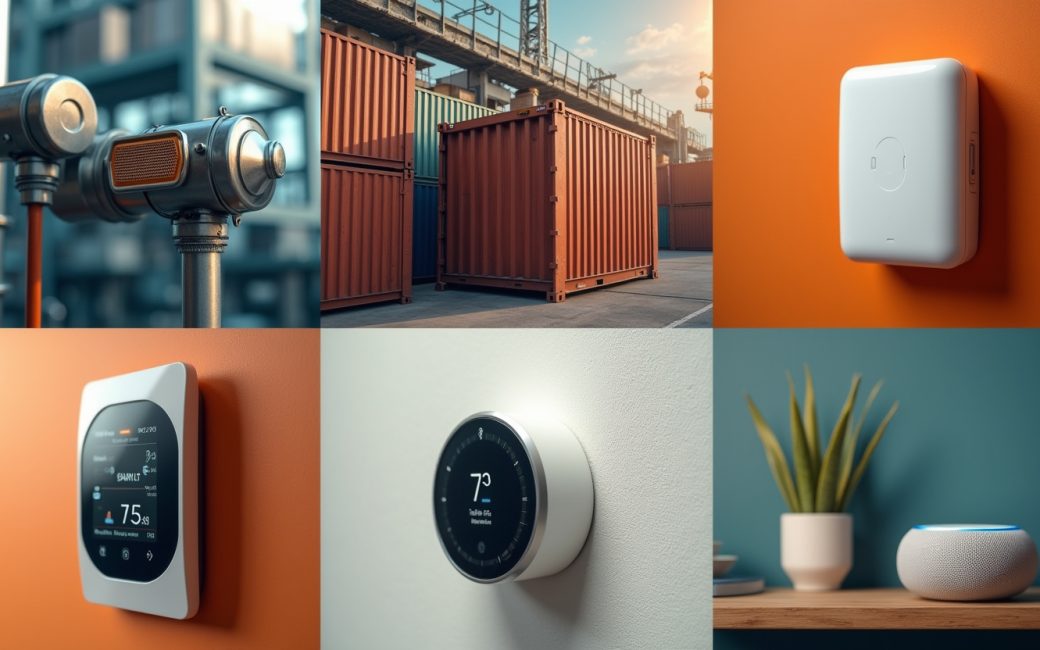
What actually makes something an IoT device

An IoT device is a physical object that senses or controls something, computes locally, and exchanges data over a network without a person operating it as a general-purpose computer. That's three conditions, not one — and all three need to hold at once for the label to mean anything.
A useful boundary test: does the object (1) sense or actuate a physical condition, (2) have enough onboard compute to package that reading, and (3) send or receive it over a network on its own schedule, not because someone opened an app and typed? A smart plug meets all three — it measures current, holds a small processor, and reports over Wi-Fi unattended. A laptop fails the test even though it's constantly networked, because its purpose is general computation directed by a human at the keyboard, not sensing a physical condition. A Modbus-connected industrial PLC clearly passes, sensing and controlling machinery over a wired network layer that predates the term "IoT" but fits the definition regardless.
The two edge cases people actually search for:
- A smartphone — technically has sensors (accelerometer, GPS, microphone) and constant connectivity, but its primary function is general-purpose computing directed by a user. It's usually excluded from device examples for that reason, with the term reserved for purpose-built endpoints.
- A voice assistant like Alexa — closer to a genuine IoT device: it's a purpose-built endpoint (a smart speaker) with a narrow function, sensing (microphone array) and connectivity (Wi-Fi) built in, and it acts on remote commands without a keyboard or screen. It sits nearer the IoT side of the line than a phone or laptop does.
The rest of this piece works through ten examples against that same test, grouped by why they exist rather than treated as a flat list — because a vibration sensor on a factory motor and a smart thermostat in a kitchen have almost nothing in common in cost, connectivity or security requirements, even though both get called "IoT."
Machine wear or fault begins
An industrial machine sensor exists to catch a fault before it becomes downtime, and the sequence only makes sense end-to-end. A vibration or temperature sensor mounted on a motor, pump or gearbox continuously records small changes in its readings — a bearing starting to wear shows up as a shift in vibration frequency well before it fails outright.
That reading becomes telemetry data the moment it's packaged and sent — usually over a wired industrial bus or a low-power wireless link — to a monitoring platform rather than just displayed on a local gauge. The platform compares the incoming stream against a baseline and flags the deviation in something close to real time. From there, a maintenance team schedules a repair during planned downtime instead of after an unplanned stoppage. This sense-transmit-flag-act loop is the actual reason industrial sensor deployments exist; the sensor alone, without the transmission and the flagging, is just an instrument.
Asset moves outside any fixed network
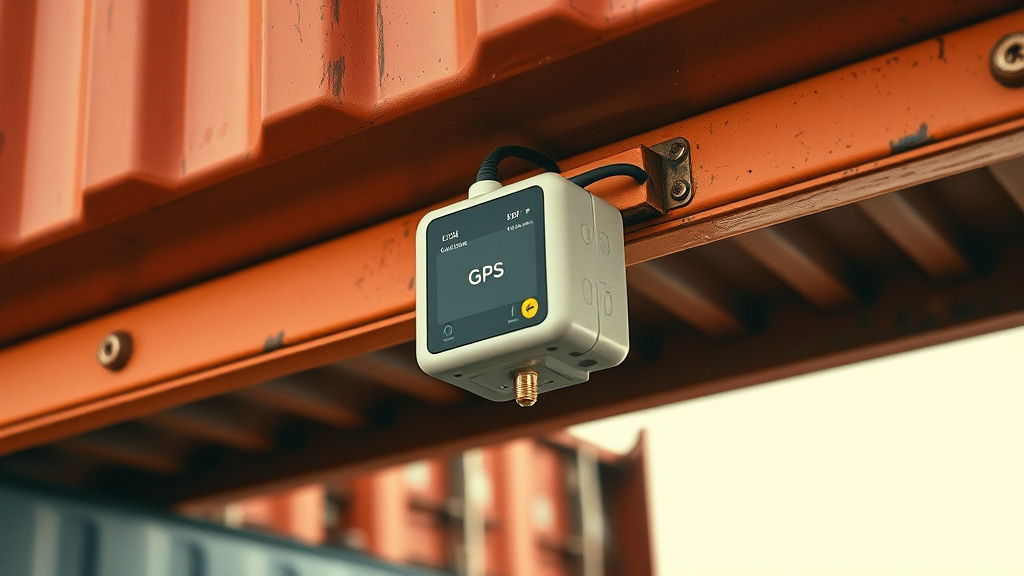
A tracking device on a shipping container, a fleet vehicle or rented equipment can't rely on a fixed Wi-Fi network, so the connectivity choice — not the sensor — decides whether the deployment works at all. Cellular connectivity is the usual answer for anything that leaves a building, because it gives wide-area coverage without depending on infrastructure the asset owner controls, which matters for equipment that might sit in a yard, a highway or a shipping lane for weeks at a stretch, as Zipit Wireless notes for stationary and mobile industrial deployments alike.
The tracker itself is usually a simple GPS-plus-modem unit; the sensing is thin. What matters is that location and condition data streams continuously to a management platform, and an operator watching that dashboard can reroute a delayed shipment or flag a stolen asset while it's still recoverable, rather than discovering the loss after the fact. This is also the clearest case where the connectivity layer deserves its own line item in any cost estimate, separate from the device hardware and the platform subscription — a cellular data plan is billed and provisioned differently from a Wi-Fi-only device, and that difference shows up in the total cost of running the fleet, not just the price of the tracker unit.
Device is deployed without managed identity or updates
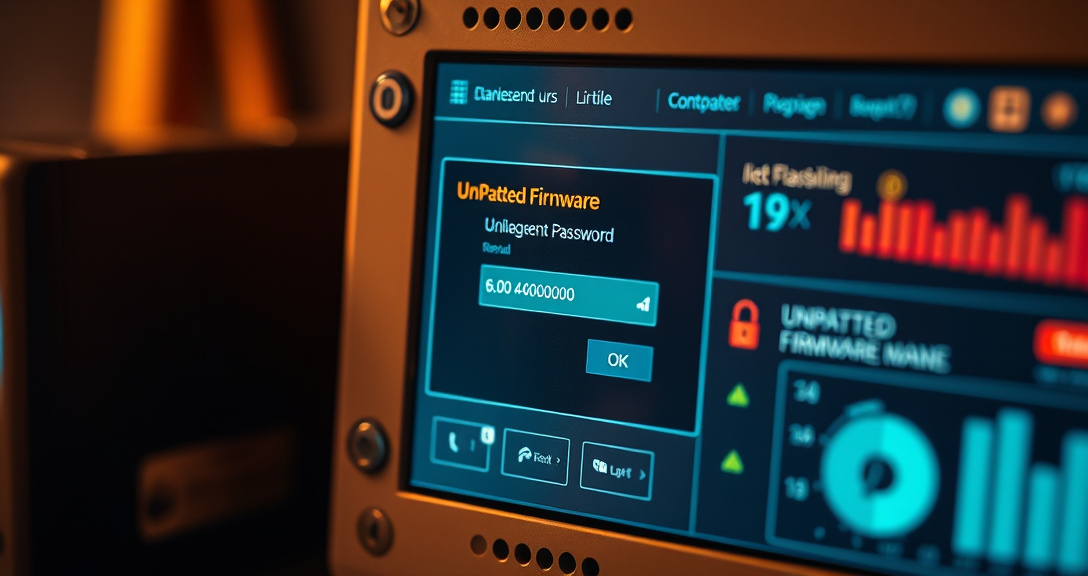
A device shipped with a default password and no update path is a liability the moment it's connected, and this is where "IoT security" stops being an abstract heading. An unsecured endpoint — a camera, a sensor, a controller — that sits on the same network segment as payment systems or building controls becomes an entry point: whoever compromises the device inherits a foothold on everything else that network can reach.
The fix isn't a single control but three applied together, which is why device management platforms exist as a distinct layer rather than an afterthought:
- Authentication — each device gets its own credential or certificate rather than a shared default password, so compromising one unit doesn't compromise the fleet.
- Secure connectivity — traffic between device and platform is encrypted in transit, not sent as plaintext telemetry that anyone on the network segment can read.
- Network segmentation — IoT devices sit on their own VLAN or subnet, isolated from the systems that would actually be damaging to reach.
A device management platform is what makes all three practical at fleet scale: provisioning identity when a device joins, pushing firmware updates when a flaw is found, and monitoring for devices that go quiet or behave unexpectedly. Skipping that layer is the single most common reason a cheap sensor deployment turns into a security incident.
Environmental sensor measures temperature or air quality
An environmental sensor earns the "IoT" label only when it can act on what it measures, not just log it. A sensor watching temperature, humidity or air quality in a warehouse, server room or greenhouse reports continuously, and the moment a reading crosses a set threshold, the platform doesn't just alert a person — it can issue a remote command directly to the HVAC unit or other equipment tied into the same system.
That closes the loop: sense, decide, act, without anyone driving to the site. A data logger does the first step and stops there, requiring someone to pull the log and decide what to do; an IoT deployment does all three automatically, correcting the condition and only escalating to a person if the automated correction doesn't resolve it. This sense-decide-actuate pattern is the practical dividing line between "a sensor with a network connection" and "an IoT device," and it's worth checking for in any deployment before assuming remote monitoring alone counts as one.
Ten examples, grouped by why they exist
| # | Device | One-line function | Category |
|---|---|---|---|
| 1 | Smart thermostat | Adjusts heating/cooling based on occupancy and schedule | Consumer |
| 2 | Smart plug or outlet | Reports power draw and switches connected appliances remotely | Consumer |
| 3 | Video doorbell | Streams video and sends motion alerts to a phone | Consumer |
| 4 | Fitness tracker | Logs heart rate and movement, syncs to a phone app | Consumer |
| 5 | Voice assistant speaker | Takes spoken commands and controls other connected devices | Consumer |
| 6 | Industrial vibration sensor | Flags early bearing or motor wear for predictive maintenance | Industrial |
| 7 | Asset/fleet GPS tracker | Streams location and condition data over cellular networks | Industrial |
| 8 | Smart water/electric meter | Reports consumption remotely, replacing manual meter reads | Industrial/utility |
| 9 | Building HVAC controller | Receives remote commands to adjust temperature or airflow | Industrial/enterprise |
| 10 | Cold-chain shipping sensor | Monitors temperature in transit and alerts on excursions | Industrial/logistics |
Each row passes the sense/compute/network test from the top of this piece. The split matters because consumer devices are usually bought off the shelf with a bundled app and a flat subscription, while industrial examples involve separately priced hardware, a data plan, and a platform contract — three cost lines instead of one, as the earlier tracker example shows.
Is Alexa an example of IoT, and is my phone?
Alexa-type smart speakers count as IoT devices; general-purpose smartphones and laptops usually don't. The distinction comes back to the boundary test above: a smart speaker is a purpose-built endpoint whose entire function is sensing (microphone), light local processing, and acting on network commands — it doesn't run arbitrary user-chosen applications the way a phone does.
A phone or laptop has sensors and constant connectivity too, but its primary role is general-purpose computing directed moment-to-moment by a person. That's why the line is usually drawn at purpose: a device built for one narrow sensing-or-control job, operating without someone actively driving it through a general interface, is IoT; a device built to run whatever software a person opens is not, even if it happens to carry the same radios.
The layer nobody names: gateways
A low-power sensor rarely talks to the internet directly — it talks to a gateway, which is the aggregation point that collects readings from nearby devices over a short-range radio and forwards them onward over a network the sensor itself couldn't reach. This layer is easy to overlook because it isn't a "device" in the consumer sense, but without it most sensor deployments don't function.
A battery-powered sensor using a short-range protocol has neither the power budget nor the radio to reach a cloud platform directly; it reaches a gateway a few meters or a few hundred meters away, and the gateway — usually mains-powered, sitting on a stronger network link — does the heavier lifting of formatting and forwarding that data on. Farnell's overview of IoT architecture places this aggregation step squarely between the sensing layer and the network layer for exactly this reason — most sensor-to-cloud paths pass through some intermediate collection point rather than connecting end to end. Picturing this layer explains why a "simple" sensor deployment still involves siting decisions: the sensor has to be within range of a gateway, not within range of the internet.
Connectivity: the choice that decides the deployment
The link a device uses to reach a network is a separate decision from the sensor itself, and getting it wrong is the most common reason a deployment underperforms. Short-range radio, Wi-Fi, low-power wide-area networks and cellular connectivity each trade off range, power draw and cost differently, and a device class doesn't dictate the choice — the deployment's physical layout does.
- Short-range radio (e.g., Bluetooth, Zigbee-class protocols) — low power, short range, needs a nearby gateway to reach anything further.
- Wi-Fi — higher power draw, needs existing local infrastructure, fine for mains-powered consumer devices indoors.
- Low-power wide-area (LPWAN) — very low power, long range, low data rate, suited to infrequent readings from battery devices.
- Cellular — widest coverage independent of local infrastructure, higher power and per-connection cost, suited to mobile or remote assets.
Stormotion's rundown of these connectivity categories frames the choice as one made against a deployment's power budget and coverage need rather than against the device type — the same sensor could reasonably use any of the four depending on where it's sited and how often it needs to report.
What a communication protocol actually governs
A communication protocol is the rulebook for how a device, a gateway and a platform agree on message format, timing and acknowledgment — it sits above the radio link and below the application. Two devices using the same connectivity technology can still fail to talk to each other if they don't share a protocol, because the radio link only carries bits; the protocol decides what those bits mean and whether a receipt gets confirmed.
This is the layer that determines behavior an app developer actually notices: whether a reading is guaranteed to arrive once, whether it's resent if unacknowledged, and whether the last known value is retained for a device that just reconnected after being offline. The practical point for a reader planning a deployment is that the protocol choice is independent of both the device and the connectivity technology — it's a third decision, not a consequence of the first two.
Platform and telemetry: where the readings go and what happens to them
Telemetry data is the stream of readings a device produces once it's deployed — temperature, position, vibration, power draw — and by itself it's just numbers with timestamps. It becomes useful only once a platform ingests it, which is the job an IoT platform or device management layer does: provisioning new devices, storing incoming readings, applying rules against thresholds, and pushing commands or firmware back down to the fleet.
That platform layer is also where fleet-scale costs concentrate — not in the sensor hardware, which is usually the cheapest line item, but in per-message or per-device-minute charges from the platform and in the connectivity plan feeding it, a split that's easy to miss when a deployment is scoped from device price alone.
What happens when the network drops
A device that can only function while connected isn't resilient, and most real deployments assume it will occasionally lose its link. The practical patterns are limited to a few:
- Local buffering — the device holds recent readings in onboard memory and sends them once the connection returns, rather than discarding them.
- Local processing — a threshold check runs on the device or gateway itself, so an action like an alarm or a shutoff still happens even without reaching the platform.
- Failover connectivity — some deployments pair a primary link (Wi-Fi) with a secondary one (cellular) so a single outage doesn't stop reporting entirely.
None of these are automatic; they have to be designed in, and a device advertised as "real-time" without any of the three simply stops reporting the moment its link drops, silently, until someone notices the gap in the dashboard.
Where to go from here
Before adding a device to a deployment, run it through the three-part test at the top of this piece, price out sensor, connectivity and platform as three separate line items rather than one device cost, and confirm what happens to its readings — buffered, processed locally, or lost — the next time its network link goes down.