
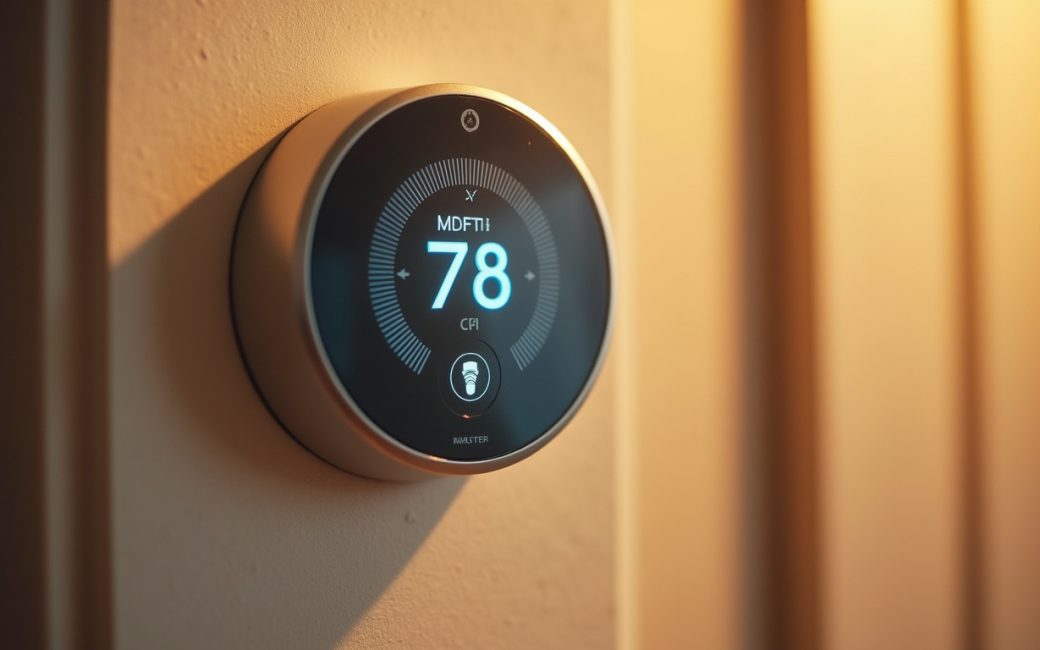
A physical object is fitted with a sensor and a small embedded processor
An IoT device starts as an ordinary object — a thermostat, a valve, a shipping pallet — that gains a sensor and enough embedded computing to make sense of what the sensor reads. The National Institute of Standards and Technology defines an IoT device plainly as a piece of hardware with the ability to sense, and in some cases interact with, the physical world through a combination of embedded technology, connecting it to a network. That definition sets a fairly precise bar. Sensing alone doesn't clear it; a mercury thermometer senses temperature but has no processor and no network path, so it stays a thermometer rather than becoming an IoT device.
The chain that qualifies an object runs in a fixed order:
- A sensor converts a physical condition — temperature, vibration, light, location — into an electrical signal.
- An embedded processor turns that signal into structured data and often runs logic to decide whether the reading is worth sending.
- Network connectivity carries that data off the device to some receiving system.
- An IoT platform on the other end collects, stores, and often visualizes the incoming readings, which is what makes remote monitoring possible.
- A user or an automated rule can then send a command back through the same network path, and an actuator on the device acts on that command — a valve closes, a motor engages, a relay trips.
Not every device completes step five, and that's fine: a leak sensor that only reports water on the floor is still an IoT device even though it never controls anything. But an object that stops at step one or two — sensing and processing with no network path out — is closer to a standalone gadget than to what IBM's overview of the Internet of Things describes as a network of interrelated devices exchanging data over the internet. The connectivity step is the hinge. Take it away and the rest of the chain, however sophisticated, just describes an appliance.
An IoT device joins the home Wi-Fi with default credentials or outdated firmware
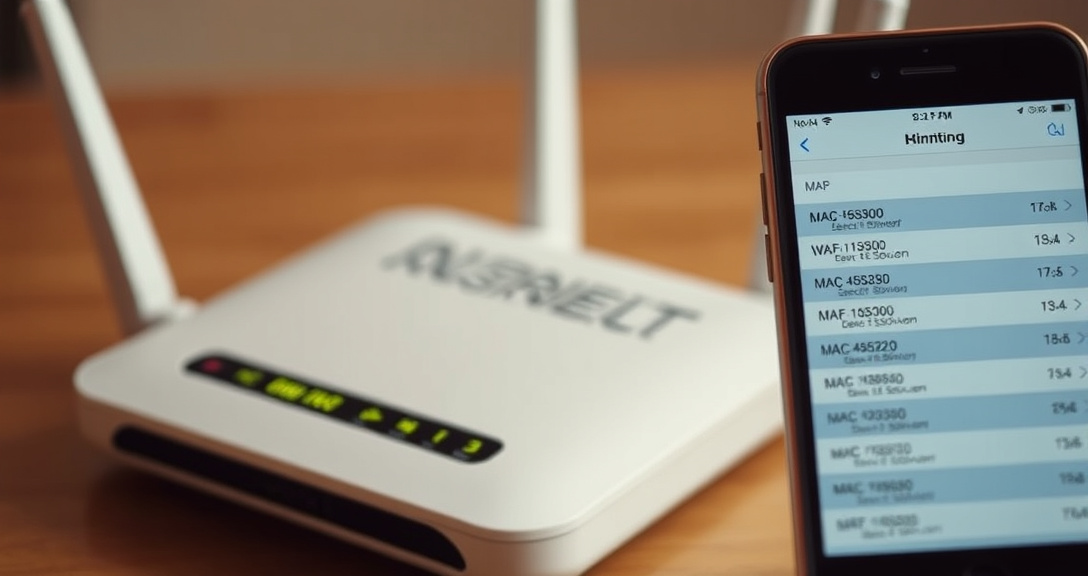
An IoT device on a home network is any object beyond the router, laptops, and phones that has joined the Wi-Fi to send its own readings or accept its own commands — a camera, a plug, a thermostat, a video doorbell. The practical problem is that a large share of these devices ship with a default username and password, and many go years without a firmware update, which turns a convenience feature into an open entry point on the network the owner may not even know is there.
That exposure is not hypothetical. The Mirai botnet, first identified in 2016, spread specifically by scanning the internet for devices still running factory-default administrative credentials and enlisting them into a network used for large-scale denial-of-service attacks — a pattern documented across security research into consumer routers and cameras that never had their passwords changed. A device with outdated firmware carries the same risk even after the password is changed, since unpatched software can carry known vulnerabilities that a scanner or a credential-stuffing tool can find automatically.
The way this usually surfaces to a homeowner is mundane: an unfamiliar device name in the router's client list, a spike in upload traffic at odd hours, or a smart-home app reporting a device online when nobody expects it to be. From there, the fix follows a short sequence:
- Open the router's admin page (usually a private IP address printed on the router itself) and look at the connected-devices or DHCP client list.
- Match unfamiliar entries against their MAC address vendor prefix, which usually identifies the manufacturer even when the device name is generic.
- Log into that device directly, change any default credential, and check for a firmware update.
- Move the device to a guest network or a separate IoT VLAN so that, if it is compromised later, it cannot reach computers or network storage on the main segment.
Sensors report equipment condition, vehicle telemetry or building energy use
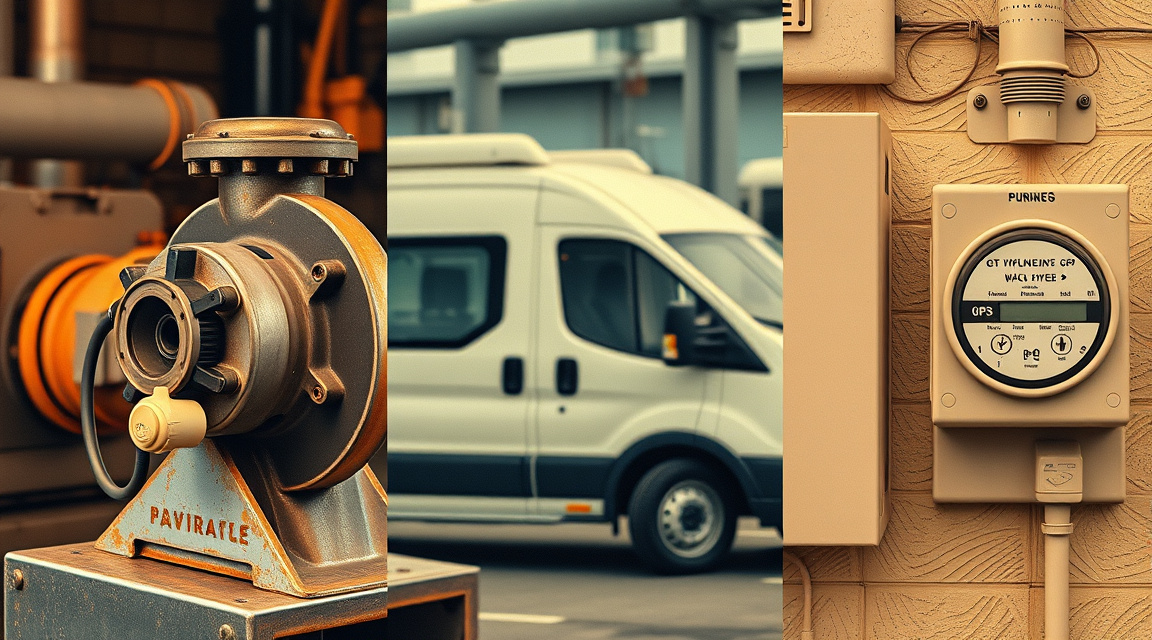
Outside the home, the same sensor-to-platform chain is what makes industrial and commercial IoT worth deploying at all. A vibration sensor on a pump, a GPS and fuel-level sensor on a delivery van, and a power meter on a building's HVAC system are all doing the identical job described above: converting a physical condition into a stream of readings that leaves the device and lands somewhere it can be aggregated.
Once readings from many sensors land on one platform, patterns become visible that no single reading would show — a pump vibrating slightly outside its normal range for three days running, a van idling longer than its route history suggests, a chiller drawing power on a schedule that doesn't match building occupancy. Coursera's overview of IoT frames this as the core value proposition of the technology: connected sensors let organizations act on conditions they could previously only inspect manually and intermittently. The action that follows is usually mundane rather than dramatic — a maintenance ticket gets raised before the pump fails outright, a route gets adjusted, an HVAC schedule gets retuned — but it depends entirely on the sensor, the network link, and the platform all working, which is why outages or misconfiguration at any one layer quietly cancel the benefit of the whole deployment.
Internet of Things (IoT)
The Internet of Things is the wider network these individual devices belong to, not a single device or product. Wikipedia's entry on the Internet of Things describes it as the network of physical objects — "things" — embedded with sensors, processing ability, software, and other technologies that connect and exchange data with other devices and systems over the internet or other communications networks.
That distinction matters because the two terms get used interchangeably in casual writing and shouldn't be. "IoT device" refers to one sensing-and-connected object; "the Internet of Things" refers to the aggregate — every such device, the networks carrying their data, and the platforms receiving it, considered together as a system. A single smart plug is an IoT device. The fact that a great many such devices exist and increasingly outnumber traditional computers on the internet is a statement about the Internet of Things as a whole, not about any one plug.
Actuator
An actuator is the component that acts on the physical world in response to a command, and it's the part of the sensing-to-control loop that gets talked around constantly and named rarely. Descriptions of "smart" devices routinely mention that a thermostat "controls" the heating or a valve "responds" to a command, but the physical part doing that work — a motor, a solenoid, a relay, a servo — almost never gets identified by name.
That matters for understanding what a given device actually does. A sensor-only device (a leak detector, a door contact, an air-quality monitor) can tell a platform what's happening but cannot change it; anything that changes physical state — locking a door, opening a valve, dimming a light, engaging a motor — is doing so through an actuator, and that actuator is what turns a monitoring device into a control device. Readers evaluating a product's claims should look for language distinguishing "reports" from "controls": the first implies a sensor and a network link; the second implies a sensor, a network link, and an actuator taking instructions back.
Network connectivity
Network connectivity is the link — Wi-Fi, cellular, Bluetooth relayed through a hub, or a dedicated low-power radio protocol — without which a sensing, processing object is not an IoT device by any of the standard definitions. KORE Wireless's explanation of IoT devices notes that connectivity is what separates an IoT device from a standalone smart appliance: a device with an embedded processor and a sensor but no way to transmit data can compute locally, but it cannot report, and it cannot be monitored remotely.
In practice a device reaches the internet by one of a few paths:
| Path | How it works | Typical use |
|---|---|---|
| Direct Wi-Fi | Device joins the local wireless network directly, using the household or site router | Cameras, plugs, thermostats |
| Cellular module | Device carries its own SIM and connects to a mobile network independent of any local Wi-Fi | Vehicle trackers, remote agricultural sensors, assets without fixed infrastructure |
| Hub or gateway | Device uses a short-range, low-power radio (Bluetooth, Zigbee-class protocols) to reach a local hub, which then relays data to the internet over its own connection | Door/window sensors, many battery-powered smart-home sensors |
Which path a device uses changes what happens when the link goes down. A direct-Wi-Fi device stops reporting the moment the local network or internet uplink fails. A hub-based device can often keep sensing and queue data locally until the hub's own connection returns. A cellular device is independent of the site's internet service entirely, which is why it's the common choice for assets that move or that sit somewhere without reliable landline internet.
Data transmission
Data transmission is the actual movement of a reading from the device to whatever is waiting to receive it, and it's a distinct step from sensing or connecting — a device can have a live network link and still transmit badly, dropping messages, batching them with delay, or sending them unencrypted. Onomondo's explanation of IoT devices frames the transmission layer as the part of the chain most often overlooked in product descriptions, even though it determines whether a reading arrives in time to matter and whether it arrives at all.
What almost never gets covered is what happens to a reading once it leaves the device. Data lands on a platform run by the device manufacturer, a third-party cloud service the manufacturer contracts, or in some industrial and self-hosted setups, a server the device owner controls directly. Each of those has a different retention policy, a different answer to who else can see the data, and a different outcome if the company running the platform is acquired, changes its terms, or shuts the service down. A reading transmitted to a manufacturer's cloud is subject to whatever that manufacturer's privacy policy says about retention and third-party sharing — terms that vary enormously and are rarely surfaced at the point of purchase.
IoT platform
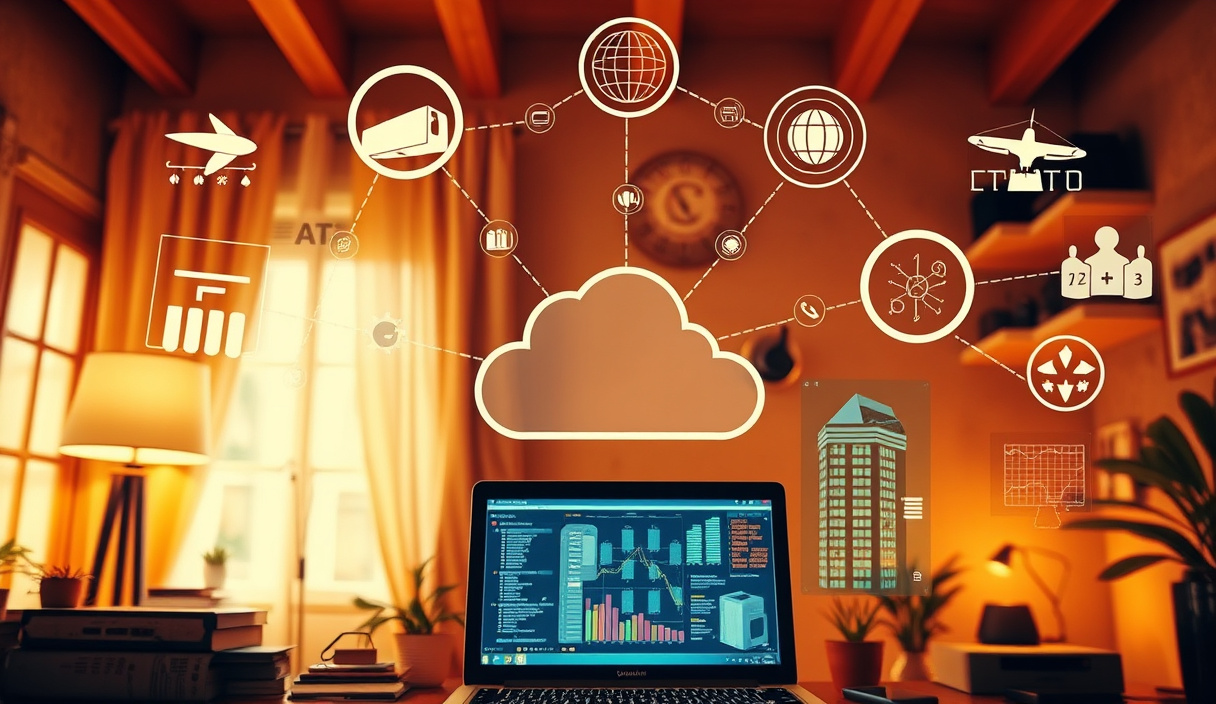
An IoT platform is the software layer that receives, stores, and makes sense of data coming from many devices at once, and it's what turns a stream of raw readings into something a person can act on. IBM's overview of the Internet of Things describes the platform layer as the point where device data gets aggregated, analyzed, and in many deployments fed into rules that trigger automated responses without a person in the loop.
Platforms differ in who runs them and where the data actually sits:
- A vendor's own cloud service, bundled with the device and usually required for the device's app to function at all.
- A general-purpose cloud IoT service that a manufacturer or business builds on top of, rather than running its own infrastructure from scratch.
- A self-hosted platform, run by the device owner on their own server, which trades convenience for direct control over retention and access.
The platform choice also determines what happens at end of life. When a vendor stops issuing firmware updates or shuts down the cloud service a device depends on, a device built around a vendor-only platform can lose most or all of its function even though the physical hardware still works — the sensor and processor are intact, but there's nowhere for the data to go and often no way to reconfigure the device without the vendor's app. Devices built to work with a self-hosted or third-party platform are less exposed to this failure mode, since the owner isn't dependent on one company continuing to run one server.
Remote monitoring
Remote monitoring is the use people actually get out of an IoT deployment once the sensing, connectivity, and platform layers are all in place — observing an asset, a condition, or a space from somewhere other than where it physically is. Coursera's overview of IoT points to fleet tracking, remote patient monitoring, and building-management systems as common applications: a facilities team or a fleet manager sees the current state of something without physically visiting it, because a device has already done the sensing and reporting on their behalf.
The common thread across all of these is that remote monitoring is the payoff of the earlier chain, not a separate feature bolted on. A sensor without connectivity can't be monitored remotely by definition; a platform without sensors feeding it has nothing to monitor. What varies between deployments is how the monitoring gets acted on — some systems surface data to a person who decides what to do, and others close the loop automatically by sending a command straight back through an actuator, which is the difference between a dashboard and a control system.
What is an example of an IoT device?
A smart thermostat is a clear example: it senses temperature, processes that reading against a schedule or a learned pattern, connects to Wi-Fi to report to an app and receive updated settings, and drives an actuator that switches the heating or cooling on and off. Other common examples follow the identical structure with a different sensor and a different actuator, or none at all.
- A video doorbell — motion and image sensor, Wi-Fi connectivity, cloud storage, no actuator beyond a chime relay.
- A fitness tracker — heart-rate and motion sensors, Bluetooth relay through a phone, no actuator.
- A connected smart plug — no sensor beyond current draw, Wi-Fi connectivity, a relay actuator that switches power.
- An industrial vibration sensor bolted to a pump — vibration and temperature sensors, cellular or gateway connectivity, no actuator, feeding a maintenance platform.
- A vehicle telematics unit — GPS, fuel, and diagnostic sensors, cellular connectivity, sometimes an actuator that can immobilize the engine remotely.
- An agricultural soil-moisture probe — moisture and temperature sensors, low-power radio to a farm gateway, sometimes an actuator that triggers irrigation.
What actually distinguishes one example from another is which of the four steps — sense, process, connect, act — each device completes, and which it skips, rather than the object's category or price point.
Is my phone an IoT device?
A phone technically has every component the definition asks for — sensors, a processor, network connectivity — but it isn't usually classed as an IoT device because it's a general-purpose computer, not a purpose-built sensing endpoint. The NIST definition centers on hardware built to sense and interact with the physical world through embedded technology as its primary job; a phone's primary job is running arbitrary applications, and its sensors (GPS, accelerometer, microphone, camera) exist to support that broader purpose rather than to report one specific physical condition to one specific platform.
The distinction is more useful than a strict yes/no. A phone running a single-purpose companion app for a glucose monitor or a car's remote-start system is, in that narrow role, behaving like an IoT endpoint — sensing or relaying data for one physical system and sending commands back to it. The same phone, used to browse, message, and run unrelated software the rest of the day, is a general-purpose computer that happens to have sensors, which is the category Onomondo's definition of IoT devices and most vendor glossaries implicitly exclude when they describe IoT devices as purpose-built. The cleanest test: if the object would still make sense to own with only one app installed and one job to do, it's behaving like an IoT device; if removing every dedicated sensing app still leaves a fully useful computer, it isn't one.
Anyone unsure whether a specific object in their own home or workplace clears this bar can run it through the four-step chain from the top of this piece — sensor, processor, connectivity, platform, and optionally an actuator — and see how many steps it actually completes before assuming the label applies.